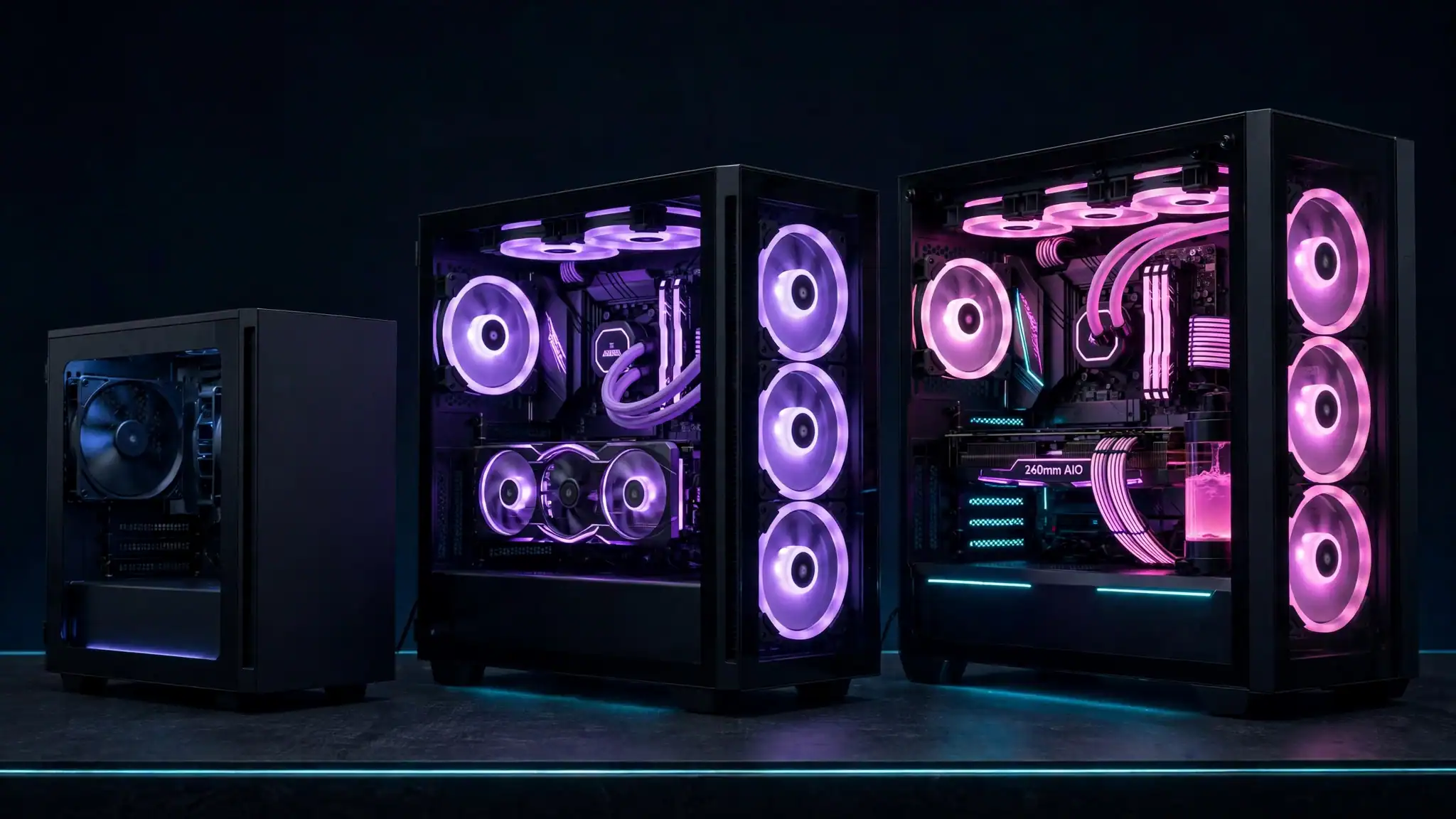
Best Balanced PC Builds for 2026: $600, $1000, $1800 (With FPS Estimates)
A balanced PC is not the one with the fastest single part. It is the one where no part regularly holds the others back, where money goes to performance you will actually notice, and where a future upgrade is possible without replacing everything.
Below are three complete builds: 1080p esports at $600, 1440p AAA gaming at $1000, and high-end 1440p and entry-level 4K with ray tracing at $1800.
A note on FPS figures: All FPS figures here are model-based estimates and typical ranges based on published benchmarks, not results from a test bench run for this article. Real-world results vary by game, drivers, thermals, background software, and settings. Use the ranges to compare builds, not as a guarantee for any single game.
If you already own some parts, check a different combination first at Bottleneck Calculator.
Key takeaways
A balanced PC is not the one with the fastest single part. It is the one where no part regularly holds the others back, where money goes to performance you will actually notice, and where a future upgrade is possible without replacing everything.
Table of Contents
What Makes a Build “Balanced”?
Balance means matching parts to a resolution and a job, not spending the same amount on CPU and GPU. In most gaming PCs the graphics card should cost more than the processor, because the GPU does most of the work at 1440p and 4K. At 1080p, especially in competitive games, the CPU matters more, because it must prepare more frames per second.
A balanced build has three qualities. First, the CPU can feed the GPU: GPU usage should usually sit around 90%, while the CPU is not constantly at 100% — if it is, you have a CPU bottleneck (see CPU bottleneck vs GPU bottleneck). Second, the resolution must match the GPU, as explained in how resolution changes bottlenecks: 1080p vs 1440p vs 4K. Third, nothing else should quietly limit the system: slow single-channel RAM, a nearly full 500 GB drive, or a cheap PSU can make a good CPU and GPU feel slower.
Prices below are approximate street prices. If one part is unusually expensive, swap it for a close equivalent at the same tier.
The Three Builds at a Glance
| Build | Target | CPU | GPU | RAM | Estimated FPS Range* |
|---|---|---|---|---|---|
| $600 | 1080p esports, light AAA | Ryzen 5 7500F | Intel Arc B580 12 GB | 32 GB DDR5-6000 | 100–200+ FPS at 1080p |
| $1000 | 1440p AAA, high settings | Ryzen 5 9600X | RTX 5060 Ti 16 GB | 32 GB DDR5-6000 | 80–140 FPS at 1440p |
| $1800 | 1440p ultra, entry 4K, ray tracing | Ryzen 7 9800X3D | RTX 5070 Ti 16 GB | 32 GB DDR5-6000 | 90–160 FPS at 1440p; 60–90 FPS at 4K |
Model-based estimates based on published benchmarks, not measured results.
$600 Build: The 1080p Esports PC
Who this build is for
Competitive games — Valorant, Counter-Strike 2, Fortnite, Rocket League, Apex Legends — plus lighter AAA titles at 1080p. It is a sensible first PC, not a 4K machine.
Full parts list
| Part | Pick | Approx. Price |
|---|---|---|
| CPU | AMD Ryzen 5 7500F | $130 |
| CPU cooler | Stock cooler or budget tower cooler | $0–$25 |
| Motherboard | B650 (micro-ATX) | $95 |
| GPU | Intel Arc B580 12 GB | $250 |
| RAM | 32 GB (2 × 16 GB) DDR5-6000 CL30 | $85 |
| Storage | 1 TB NVMe PCIe 4.0 SSD | $55 |
| Power supply | 650 W 80+ Bronze, reputable brand | $60 |
| Case | Mesh-front micro-ATX, 2–3 fans | $50 |
| Total | ~$600–$625 |
Why this CPU/GPU pairing is balanced
The Ryzen 5 7500F is a six-core Zen 4 chip with strong single-thread performance, the quality that matters most for high frame rates in competitive games. It keeps up with the Arc B580 at 1080p, where the CPU works hardest, and its AM5 platform leaves room for a future CPU upgrade without a new motherboard or RAM.
The Arc B580 is the value pick here because of its 12 GB of VRAM. Many budget cards still ship with 8 GB, which is increasingly tight even at 1080p in newer AAA games. The extra VRAM does not make it faster in every game, but it gives this build more headroom and a longer life. At 1080p it is GPU-bound in demanding AAA games — which is what you want.
FPS estimates and PSU/RAM choices
Model-based estimates based on published benchmarks, not measured results: roughly 200–300+ FPS in Valorant and Counter-Strike 2 at 1080p on competitive settings, and roughly 120–180 FPS in Fortnite (Performance Mode) and Apex Legends. In AAA games at 1080p on high settings, expect roughly 60–90 FPS in demanding titles and roughly 80–120 FPS in less demanding ones. At 1440p, expect roughly 45–70 FPS at medium settings.
A 650 W Bronze PSU is more than this build needs — it typically draws well under 400 W gaming — and leaves room for a mid-range GPU upgrade. Check your exact parts with our PSU Calculator before buying. Use 32 GB of DDR5 in a 2 × 16 GB kit: 16 GB is no longer comfortable with a game, Discord, and a browser open, and one stick runs in slower single-channel mode.
$1000 Build: The 1440p Sweet Spot
Who this build is for
This is the build most readers should buy: AAA games at 1440p on high settings, esports at very high frame rates, plus streaming, recording, and light content creation.
Full parts list
| Part | Pick | Approx. Price |
|---|---|---|
| CPU | AMD Ryzen 5 9600X | $200 |
| CPU cooler | Budget tower cooler, dual-fan if possible | $35 |
| Motherboard | B650 (ATX), good VRMs | $120 |
| GPU | Nvidia RTX 5060 Ti 16 GB | $430 |
| RAM | 32 GB (2 × 16 GB) DDR5-6000 CL30 | $85 |
| Storage | 1 TB NVMe PCIe 4.0 SSD | $55 |
| Power supply | 750 W 80+ Gold, reputable brand | $85 |
| Case | Mesh-front ATX, 3 fans | $65 |
| Total | ~$1,000–$1,075 |
Why this CPU/GPU pairing is balanced
The Ryzen 5 9600X is faster and more efficient than the 7500F, and it will not hold back the RTX 5060 Ti at 1440p in the overwhelming majority of games. At 1440p the GPU does the heavy lifting, so a six-core Zen 5 CPU is the right amount of processor — an eight-core chip would cost $100+ more and add almost nothing to frame rates here.
The RTX 5060 Ti 16 GB is chosen over its 8 GB sibling for VRAM headroom: 8 GB is already a constraint in some newer AAA titles at 1440p, and the 16 GB version should stay comfortable for two to three years. It also brings DLSS upscaling and frame generation. An RX 9070 is a fair alternative on sale. Either way, keep the pairing in the same tier.
FPS estimates and PSU/RAM choices
Model-based estimates based on published benchmarks, not measured results: in AAA games at 1440p on high settings, roughly 80–120 FPS in well-optimised titles and roughly 60–90 FPS in demanding titles without upscaling — roughly 80–110 FPS with DLSS Quality. In esports at 1440p, expect roughly 200–300+ FPS in Valorant and Counter-Strike 2, and roughly 140–200 FPS in Fortnite and Apex Legends. At 4K, expect roughly 40–60 FPS at medium settings, better with DLSS.
A 750 W Gold PSU covers this GPU comfortably and leaves headroom for a next-tier GPU upgrade — verify it with the PSU Calculator. The same 32 GB DDR5-6000 CL30 kit is used deliberately: once you have enough fast dual-channel memory, more RAM does not buy gaming performance. Keep the 1 TB SSD: 500 GB fills fast.
$1800 Build: High-End 1440p and Entry-Level 4K
Who this build is for
Players who want ultra settings at 1440p, ray tracing without constantly tweaking settings, and a credible shot at 4K, plus streaming and video editing. It is not a no-compromise 4K ultra machine — that costs considerably more.
Full parts list
| Part | Pick | Approx. Price |
|---|---|---|
| CPU | AMD Ryzen 7 9800X3D | $450 |
| CPU cooler | Dual-tower air cooler or 240 mm AIO | $70 |
| Motherboard | B850 or X870 (ATX) | $180 |
| GPU | Nvidia RTX 5070 Ti 16 GB | $750 |
| RAM | 32 GB (2 × 16 GB) DDR5-6000 CL30 | $85 |
| Storage | 2 TB NVMe PCIe 4.0 SSD | $110 |
| Power supply | 850 W 80+ Gold, ATX 3.x, reputable brand | $120 |
| Case | Mesh-front ATX, good airflow | $85 |
| Total | ~$1,800–$1,850 |
Why this CPU/GPU pairing is balanced
The Ryzen 7 9800X3D is the standout gaming CPU of this generation, thanks to its large 3D V-Cache, which speeds up simulation-heavy, open-world, and esports titles in ways clock speed alone does not. With the RTX 5070 Ti it removes the CPU as a practical limit at 1440p and 4K in almost all games, so the GPU can work at full speed. That is a balanced high-end pairing: the fastest gaming CPU with a GPU in the same class, not a flagship GPU held back by a mid-range processor.
The RTX 5070 Ti 16 GB is a large step up from the 5060 Ti in raster performance and ray tracing, has enough VRAM for 4K textures, and supports the full DLSS feature set. An RX 9070 XT is a credible alternative if it is significantly cheaper.
FPS estimates and PSU/RAM choices
Model-based estimates based on published benchmarks, not measured results: at 1440p on ultra settings, roughly 110–160 FPS in well-optimised AAA titles and roughly 90–130 FPS in demanding ones; roughly 70–110 FPS with ray tracing on high, higher with DLSS. At 4K on high settings, expect roughly 60–90 FPS in many titles and roughly 45–70 FPS in the most demanding ray-traced titles without upscaling. In esports at 1440p, expect roughly 300+ FPS in Valorant and Counter-Strike 2, and roughly 200–280 FPS in Fortnite and Apex Legends.
An 850 W Gold ATX 3.x PSU is the correct choice here, not an overspend: modern high-end GPUs have short power spikes that can trip an undersized PSU, and ATX 3.x units are designed for them. Run the numbers through the PSU Calculator if you change the GPU. Thirty-two gigabytes of DDR5-6000 CL30 remains right even at $1800: 64 GB helps heavy video editing, but adds almost nothing to gaming frame rates.
FPS Estimates Compared
These are model-based estimates based on published benchmarks, not measured results from a single test bench; individual games will fall above or below these ranges.
| Scenario | $600 Build | $1000 Build | $1800 Build |
|---|---|---|---|
| Esports, 1080p competitive | 200–300+ FPS | 250–350+ FPS | 300+ FPS |
| AAA, 1080p high | 60–120 FPS | 100–160 FPS | 140–200+ FPS |
| AAA, 1440p high | 45–70 FPS | 80–120 FPS | 110–160 FPS |
| AAA, 1440p ultra + ray tracing | Not recommended | 50–80 FPS | 70–110 FPS |
| AAA, 4K high | Not recommended | 40–60 FPS | 60–90 FPS |
Use the FPS Calculator to estimate frame rates for your own CPU, GPU, resolution, and settings before buying — and treat its output as a planning estimate, not a promise.
What NOT to Overspend On
The fastest way to unbalance a build is spending on parts that do not change frame rates. Do not buy a flagship CPU for a mid-range GPU: a Ryzen 9 or Core i9 will not make a $250 graphics card faster, and the $200+ difference buys a whole GPU tier. Do not buy 64 GB of RAM for gaming alone, ultra-fast DDR5-8000, or a premium motherboard with features you will never use — a solid B650 or B850 board is enough. Do not buy a 1000 W+ PSU, a $200 case, or a large liquid cooler for a six-core CPU that a $35 air cooler handles quietly. Do not buy a 4K monitor for the $600 build, or a 1080p 60 Hz monitor for the $1800 build. Finally, do not pay a large premium for a factory-overclocked GPU, typically worth only a few percent.
How to Check Your Own Pairing
Before ordering, check the pairing, not just the parts list. Enter your CPU, GPU, RAM, and resolution into the Bottleneck Calculator and read the result as a guide, not a verdict: a small bottleneck at one resolution may disappear at a higher one. If you already own a PC, read how to fix a CPU bottleneck without upgrading before spending money — raising settings, closing background apps, and updating drivers can shift load to the GPU at no cost. When you do upgrade, upgrade the part that is actually limiting you.
FAQ
Is the $600 build good enough for 1440p gaming?
It can play many games at 1440p on medium settings, at roughly 45–70 FPS in demanding titles. But 1080p is its natural home. If 1440p is your main target, the $1000 build is the better buy.
Which build is best for most people in 2026?
The $1000 build: strong 1440p AAA performance, very high esports frame rates, 16 GB of VRAM, and a clear upgrade path. The step up to $1800 mainly matters for ultra settings, ray tracing, or 4K.
Should I buy 8 GB or 16 GB of VRAM?
Buy 16 GB if you can afford it, especially for 1440p. Eight gigabytes is already a constraint in some newer AAA games with high textures. The 12 GB on the $600 build’s Arc B580 is a reasonable compromise at that budget; at $1000 and above, 16 GB is safer.
Do I need a more powerful CPU if I upgrade my GPU later?
It depends on the jump and your resolution. At 1440p and 4K the GPU does most of the work, so a one-tier GPU upgrade usually works well with these CPUs. At 1080p, a much faster GPU is more likely to expose a CPU limit. Check the new pairing with the Bottleneck Calculator before buying.
Can I use these builds for streaming or video editing as well as gaming?
Yes, with limits. All three can stream with GPU encoding, which keeps the CPU free for the game. The $1000 and $1800 builds are comfortable for 1440p video editing, and the $1800 build is the best of the three for that work.
Conclusion
The best balanced PC build for 2026 matches your monitor, your games, and your budget — not the one with the most expensive parts. The $600 build is a fast 1080p esports PC, the $1000 build is the 1440p sweet spot most people should buy, and the $1800 build is for ultra settings, ray tracing, and a real step into 4K. Pick the target first, buy the pairing that fits it, and check your combination before you order.
Try the calculators
Check your own setup before you buy or upgrade: run the Bottleneck Calculator, estimate your frame rate with the FPS Calculator, and check your power supply with the PSU Calculator.

