THE BLOG — GUIDES BUILT ON PUBLISHED BENCHMARKS
Fix your bottleneck.
Don’t just calculate it.
Model-based FPS ranges, 1% lows, and step-by-step fixes for CPU & GPU bottlenecks — with sources next to the numbers, so you can check them.
3 Hubs
Start-here guides
5 Topics
Clear browsing
FPS + 1% lows
In every test
3 Tools
Linked in articles
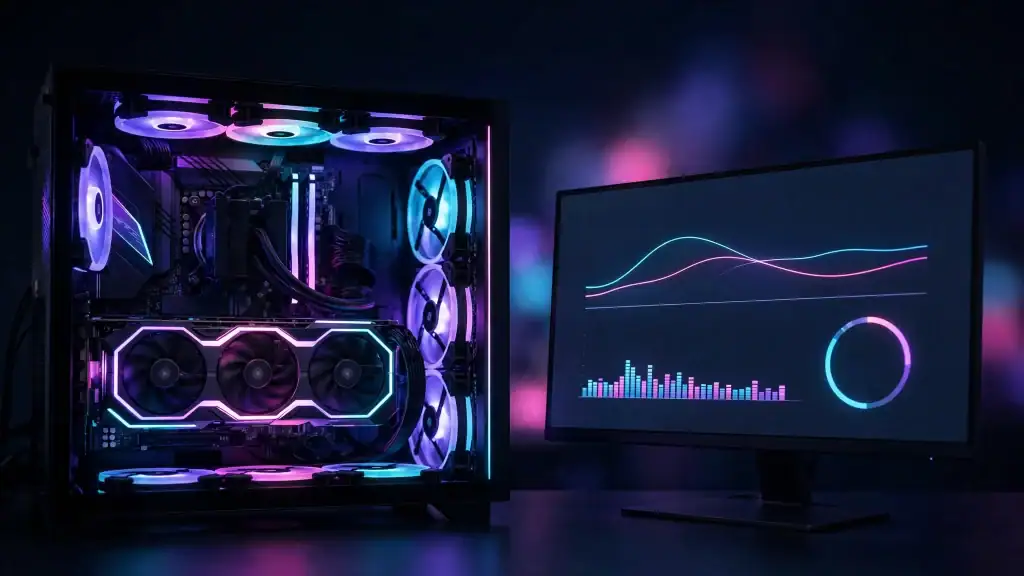
CPU + GPU pairing
Resolution • Game • Settings shown here
Bottleneck % • GPU util. • Avg FPS • 1% low
Start here — the 3 hubs
Instead of 5 versions of the same article, one definitive hub per big question. Everything else links back to these.

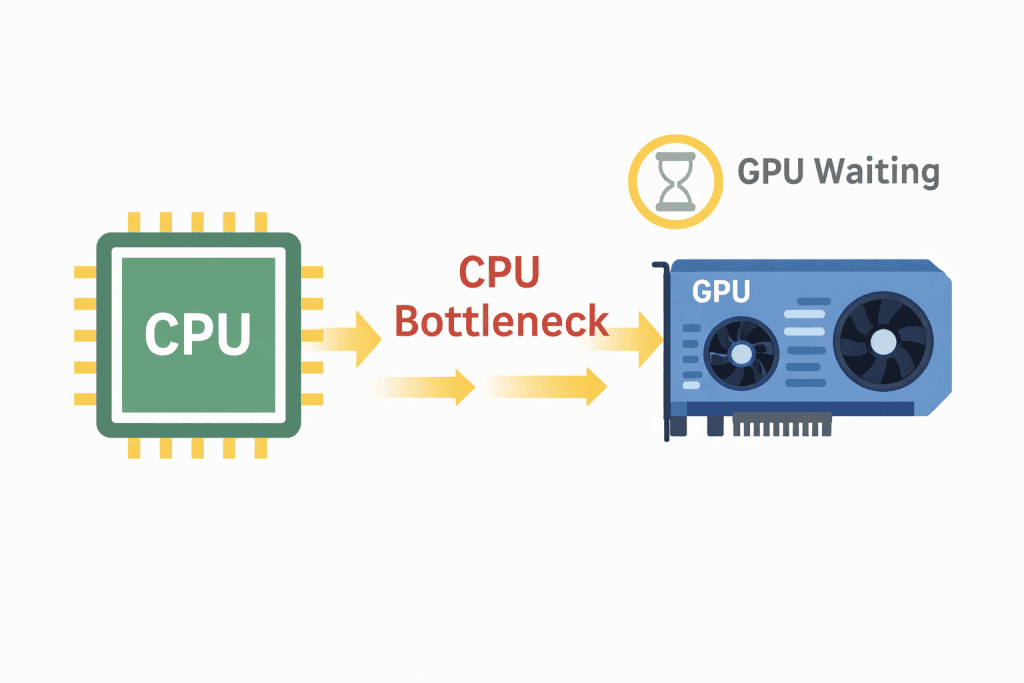
CPU Bottleneck vs GPU Bottleneck Explained
Which one is holding your PC back — and how to tell the difference in minutes.

How Resolution Changes Bottlenecks – 1080p vs 1440p vs 4K
Why the same CPU and GPU can bottleneck at 1080p and run smoothly at 4K.
How to Fix CPU Bottleneck Without Upgrading
Practical settings and tweaks that ease a CPU bottleneck before you spend anything.
Browse by topic
No more random date order. Every post lives in one topic, so readers — and Google — can see what the blog covers at a glance.
Basics
What a bottleneck actually is — CPU, GPU and RAM.
Hardware Pairings
Does this CPU bottleneck that GPU? Find out.
Fix & Optimise
Stutter, settings and tweaks that actually work.
RAM & Settings
16GB vs 32GB, XMP, timings and RAM limits.
Calculator Guides
How accurate are the results — and how to read them.
Latest Guides
Our five newest guides, first.
-
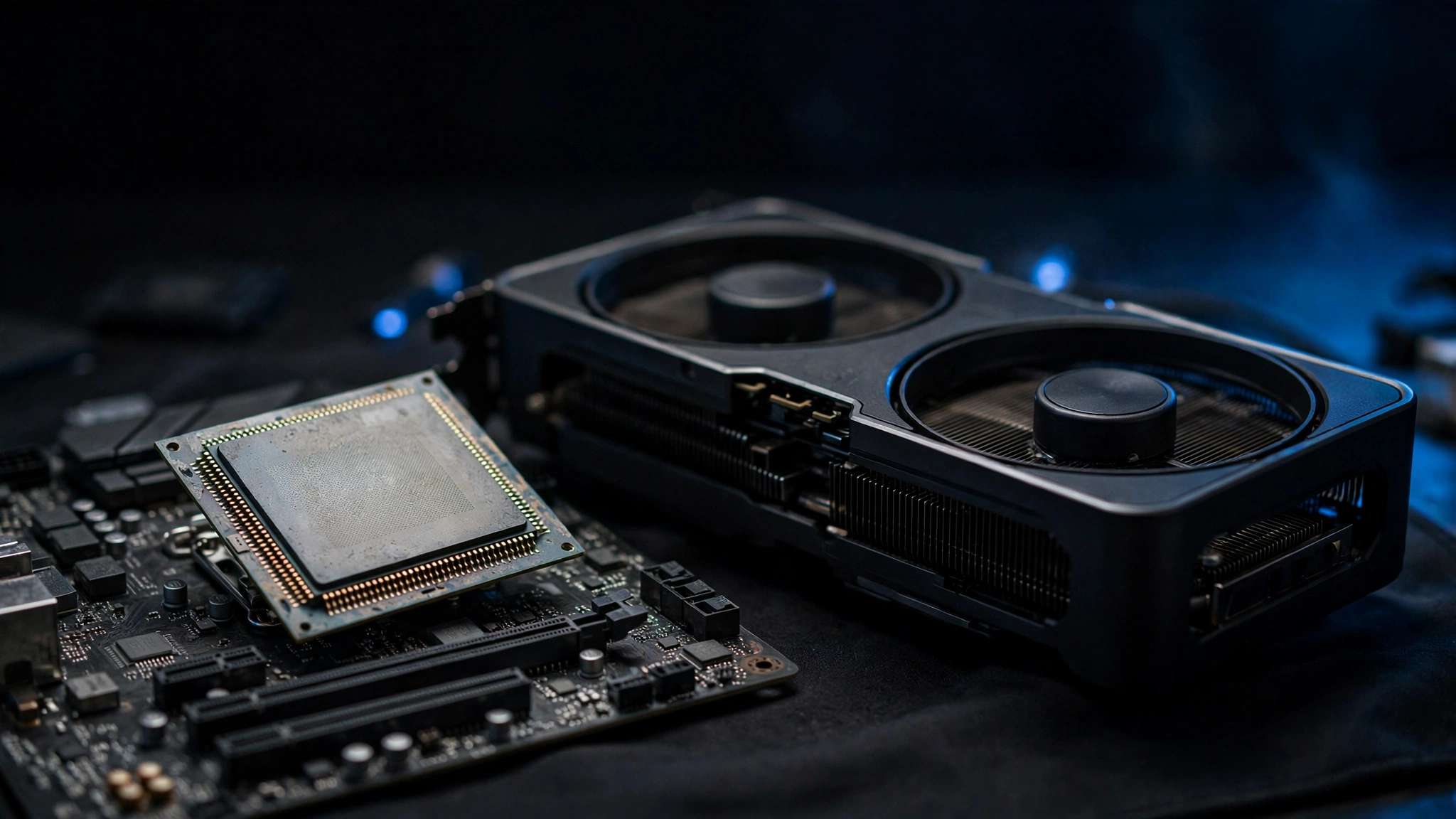
Will Ryzen 5 3600 Bottleneck RTX 5070? 1080p, 1440p & 4K Explained
The Ryzen 5 3600 was the default gaming CPU of 2019, and millions of PCs still run one. The RTX 5070 is the card many of those owners are eyeing as their next upgrade. Put the two together and the question is unavoidable: will a seven-year-old mid-range CPU hold back a 2025 graphics card? The…
-
GTA 6 PC System Requirements: Why Every Specs Table Online Is Fake
GTA 6 PC System Requirements: Why Every Specs Table Online Is Fake Search for “GTA 6 PC system requirements” and the results look confident: clean tables listing a minimum CPU, a minimum graphics card, 16 GB of memory and a recommended tier above it. None of those numbers come from Rockstar, because Rockstar has published…
-
How to Play GTA 6 on PC at Launch — Remote Play, Cloud Gaming and What Doesn’t Work
There is no native PC version of GTA 6 at launch. The game releases on Thursday 19 November 2026 for PlayStation 5 and Xbox Series X|S only, and Rockstar has announced no PC version, no PC date, and no PC system requirements. Is there any legitimate way to play it on a PC on launch…
-

Is GTA 6 Coming to PC? Release Date, Rumours and What We Know
Is GTA 6 Coming to PC? Release Date, Rumours and What We Know Is GTA 6 coming to PC? As of 16 November 2026, nobody outside Rockstar can answer yes with certainty: Rockstar has not announced a PC version, a PC release date, or any PC system requirements. The console version launches on Thursday 19…
-
CPU vs GPU Bottleneck: Which Is Killing Your FPS? (2026 Test Results)
You finally upgrade your graphics card.New drivers installed. Temps look good. Benchmarks online promised huge gains. Then you launch a game and something feels… off. The FPS counter says 180, but the game doesn’t actually feel smooth. Big fights turn messy. Stutters show up out of nowhere. GPU usage keeps jumping between 60% and 90%,…
Free Tools
Check your own PC before you buy or upgrade anything.
How We Test
We cross-check published benchmarks and model-based FPS estimates before we publish, and we say where a figure is an estimate. FPS figures on this blog are model-based estimates and typical ranges based on published benchmarks, not test-bench measurements — so you can compare hardware fairly, without guesswork.
Published benchmarks
We cross-check published benchmarks before we publish.
Model-based FPS
FPS figures on this blog are model-based estimates and typical ranges based on published benchmarks, not test-bench measurements.
Clear sources
We say where a figure is an estimate, so you can compare hardware fairly.
All Guides
Browse every guide — newest first.
-
PSU Wattage for RTX 5080, 5070 Ti and 5090: What You Need
A new graphics card is the exciting part of a build. The power supply is the part most people leave until last — and a unit that is too small can shut the system down mid-game, restart it without warning, or stop it booting at all. This guide answers one question in plain language: what…
-
Upgrade CPU or GPU First? The 2026 Decision Guide
You have money for one upgrade, not two. Your games stutter, or your frame rate is lower than you expected, and you need to know which part to replace first: the processor or the graphics card. Pick the wrong one and you can spend a whole upgrade budget and feel almost no difference. Pick the…
-
Stuttering With High FPS Fix: 1% Lows Explained
All FPS figures in this article are model-based estimates or typical published ranges, not measurements from a physical test bench. Real-world results vary by game, drivers, thermals, and settings. No benchmarks were run for this article. Your FPS counter says 120, 144, even 200 — and the game still feels awful. Movement hitches, the camera…
-
How to Tell If CPU Is Bottlenecking GPU: MSI Afterburner Check
No FPS figures here come from our own test bench — we have not run one. Any figure is labelled as a model-based estimate or a typical published range, and any cited benchmark names its source. Your frame rate is lower than expected and your graphics card seems to be taking it easy. The usual…
-
Is 12GB VRAM Enough for Gaming in 2026? 1080p, 1440p & 4K Explained
Is 12GB VRAM Enough for Gaming in 2026? 1080p, 1440p & 4K Explained Is 12GB VRAM enough in 2026? It is the question hanging over every mid-range graphics card launch this year, because the most popular new GPU — the RTX 5070 — ships with 12 GB, while its main rival, the RX 9070 XT,…
-
RX 9070 XT Bottleneck: Best CPU Pairings at 1080p, 1440p & 4K
RX 9070 XT Bottleneck: Best CPU Pairings at 1080p, 1440p & 4K Does the RX 9070 XT bottleneck your CPU — or does your CPU bottleneck the RX 9070 XT? It is one of the most asked pairing questions of 2026, because AMD’s RDNA 4 card is fast enough for 1440p Ultra and 4K High,…
-
How to Fix Low GPU Usage in Games: Complete Bottleneck Checklist 2026
FPS figures in this article are model-based estimates and typical ranges based on published benchmarks, not test-bench measurements. Real-world results vary by game, drivers, thermals, and settings. You bought a capable graphics card, you load a game, and your GPU sits at 40% usage while your frame rate is lower than you expected. That is…
-
RTX 5070 Ti vs RTX 5080 Bottleneck: Which GPU Fits Your CPU?
RTX 5070 Ti vs RTX 5080: Which One Bottlenecks Your CPU? The RTX 5080 is faster than the RTX 5070 Ti in almost every game, but that does not automatically make it the better buy. Its extra speed only becomes extra frames if your CPU can keep up, your resolution puts enough work on the…
-
16GB vs 32GB RAM in 2026 Games: FPS and 1% Lows Compared
If you are building or upgrading a gaming PC in 2026, the RAM question is no longer simple. 16GB used to be the safe choice for almost everyone. Today, 32GB is the default in many prebuilts, while 16GB is sold as the budget option. Are you actually losing frames with 16GB, or paying for headroom…
-
Best Balanced PC Builds for 2026: $600, $1000, $1800 (With FPS Estimates)
A balanced PC is not the one with the fastest single part. It is the one where no part regularly holds the others back, where money goes to performance you will actually notice, and where a future upgrade is possible without replacing everything. Below are three complete builds: 1080p esports at $600, 1440p AAA gaming…
Coming next
More CPU and GPU pairing guides are on the way. Check back soon — or use the calculators above to check your own build in the meantime.