The Blog — Tested guides, not just estimates
Fix your bottleneck.
Don’t just calculate it.
Real FPS tests, 1% lows, and step-by-step fixes for CPU & GPU bottlenecks — so you know what to upgrade, what to tweak, and what to leave alone.
3 Hubs
Start-here guides
5 Topics
Clear browsing
FPS + 1% lows
In every test
3 Tools
Linked in articles
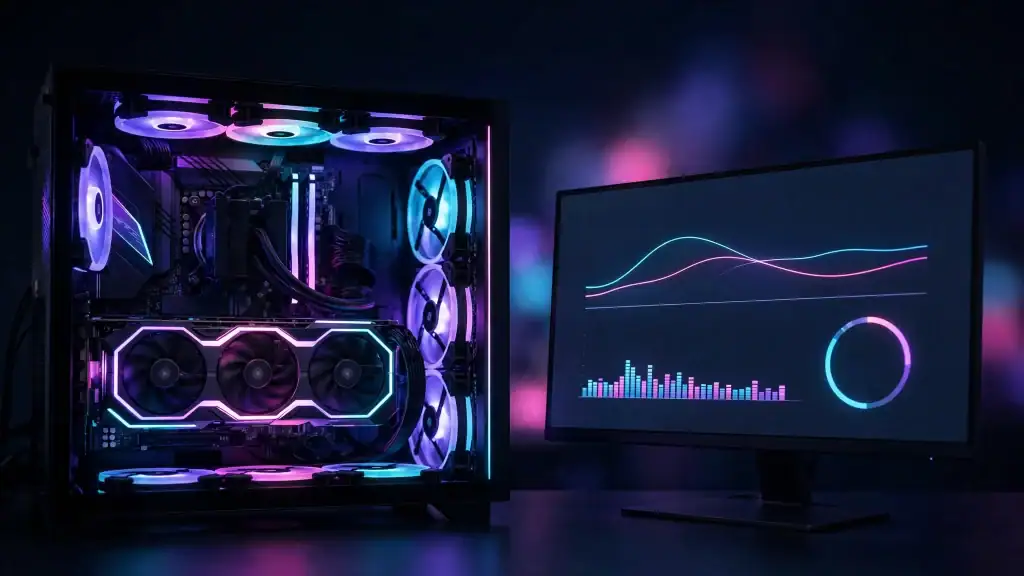
CPU + GPU pairing
Resolution • Game • Settings shown here
Bottleneck % • GPU util. • Avg FPS • 1% low
Start here — the 3 hubs
Instead of 5 versions of the same article, one definitive hub per big question. Everything else links back to these.

CPU Bottleneck vs GPU Bottleneck Explained
Which one is holding your PC back — and how to tell the difference in minutes.

How Resolution Changes Bottlenecks – 1080p vs 1440p vs 4K
Why the same CPU and GPU can bottleneck at 1080p and run smoothly at 4K.
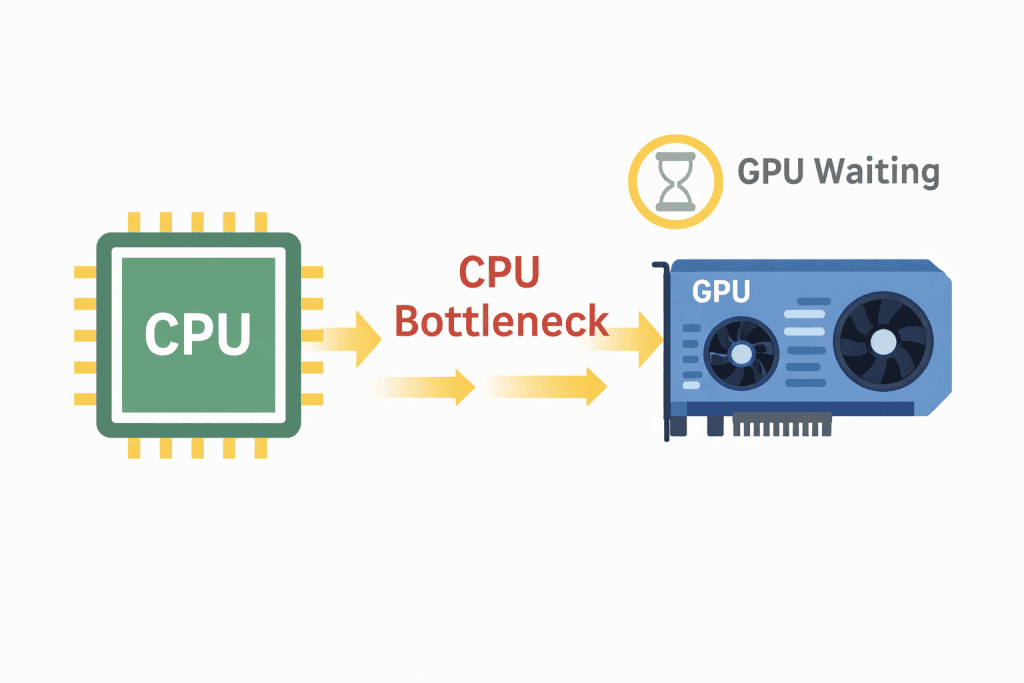
How to Fix CPU Bottleneck Without Upgrading
Practical settings and tweaks that ease a CPU bottleneck before you spend anything.
Browse by topic
No more random date order. Every post lives in one topic, so readers — and Google — can see what the blog covers at a glance.
Basics
What a bottleneck actually is — CPU, GPU and RAM.
Hardware Pairings
Does this CPU bottleneck that GPU? Find out.
Fix & Optimise
Stutter, settings and tweaks that actually work.
RAM & Settings
16GB vs 32GB, XMP, timings and RAM limits.
Calculator Guides
How accurate are the results — and how to read them.
Latest Guides
Our five newest guides, first.
-

Is GTA 6 Coming to PC? Release Date, Rumours and What We Know
Is GTA 6 Coming to PC? Release Date, Rumours and What We Know Is GTA 6 coming to PC? As of 16 November 2026, nobody outside Rockstar can answer yes with certainty: Rockstar has not announced a PC version, a PC release date, or any PC system requirements. The console version launches on Thursday 19…
-
CPU vs GPU Bottleneck: Which Is Killing Your FPS? (2026 Test Results)
You finally upgrade your graphics card.New drivers installed. Temps look good. Benchmarks online promised huge gains. Then you launch a game and something feels… off. The FPS counter says 180, but the game doesn’t actually feel smooth. Big fights turn messy. Stutters show up out of nowhere. GPU usage keeps jumping between 60% and 90%,…
-
GPU Bottleneck vs CPU Bottleneck Explained – 2026
Last updated: 2026 | 7 min read If you’ve ever upgraded your graphics card and seen almost no improvement in FPS, you’ve probably run into a CPU bottleneck — and it’s one of the most frustrating experiences in PC gaming. You spend hundreds of dollars on a new GPU, fire up your favorite game, and…
-
CPU Bottleneck vs GPU Bottleneck: Main Differences Explained
You upgrade your graphics card, launch a game, check the FPS counter… and something feels off. Maybe the frame rate barely improved. Maybe the GPU usage keeps bouncing around instead of staying maxed out. Or maybe the game shows 140 FPS but still feels weirdly choppy during fights. Most PC gamers run into this at…
-
Does 4K Reduce CPU Bottleneck?
Does 4K Reduce CPU Bottleneck? Many gamers ask a simple question.“Will upgrading to 4K fix my CPU bottleneck?” You may have a strong GPU.But your FPS still feels low or unstable. This can be confusing.You expect higher resolution to make things smoother. Let’s break it down in simple terms.I’ll explain how 4K affects CPU bottlenecks…
Free Tools
Check your own PC before you buy or upgrade anything.
How We Test
We cross-check published benchmarks and model-based FPS estimates before we publish, and we say where a figure is an estimate. FPS figures on this blog are model-based estimates and typical ranges based on published benchmarks, not test-bench measurements — so you can compare hardware fairly, without guesswork.
Published benchmarks
We cross-check published benchmarks before we publish.
Model-based FPS
FPS figures on this blog are model-based estimates and typical ranges based on published benchmarks, not test-bench measurements.
Clear sources
We say where a figure is an estimate, so you can compare hardware fairly.
All Guides
Browse every guide — newest first.
-

Can My PC Run GTA 6? What PC Do You Need?
Prediction — not official specs. As of 14 November 2026, Rockstar has published no official PC system requirements for GTA 6, has announced no PC version and has announced no PC release date. Everything in this article is a prediction. This article will be updated the day Rockstar publishes official PC specs. If you are…
-
Gaming Laptop Slow FPS Fix: Thermals, Bottlenecks and Fixes
Your gaming laptop was fast when you bought it. Now games stutter, FPS drops after a few minutes, or a new game runs far worse than the spec sheet suggested. That does not always mean it is broken. Laptops work under limits desktops do not have: less cooling space, a battery that cannot feed a…
-
CPU Bottleneck Esports vs AAA Games: Why the Game Changes It
You upgrade your graphics card, load up Valorant, and your frame rate barely moves. Then you open Cyberpunk 2077 and the new GPU suddenly makes a huge difference. The same PC can be CPU-bottlenecked in one game and GPU-bottlenecked in another, because different games ask for completely different things from your hardware. A bottleneck is…
-
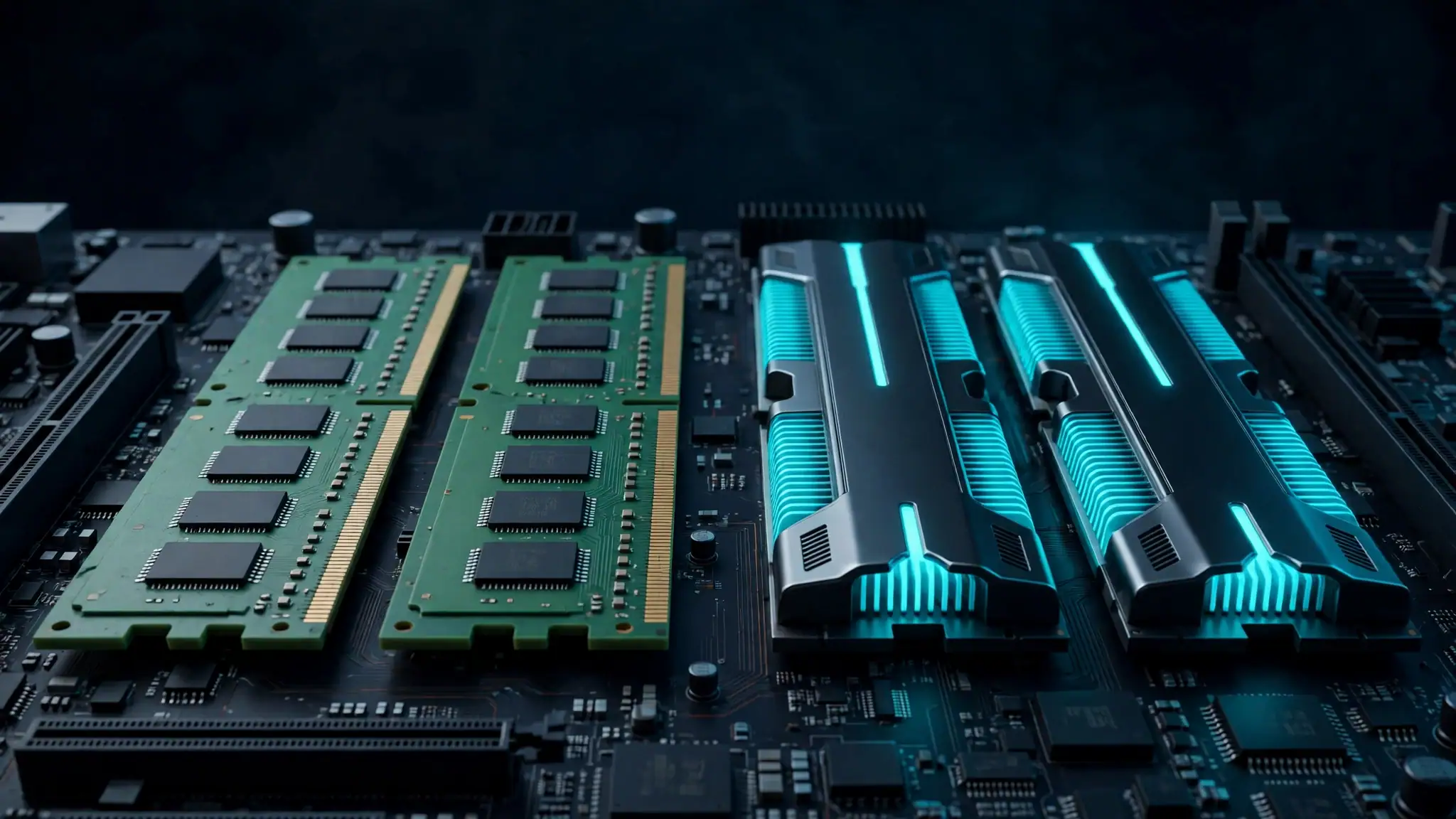
Does RAM Speed Affect FPS? DDR4 vs DDR5 in 2026 Games
The Short Answer Yes — but usually not by as much as a better graphics card or CPU would. In most games, moving from slow RAM to fast RAM changes frame rates by a small, single-digit percentage. In a few situations, the difference is larger and easier to feel. One gamer upgrades their RAM and…
-
Best CPU for RTX 5070 in 2026: Pairings at 1080p, 1440p and 4K
The RTX 5070 is a mid/high-end 1440p graphics card, and that decides almost everything about which CPU to pair with it. At 1440p, the card itself is usually the limiting factor, so a sensible mid-range CPU is enough. At 1080p, especially in esports games at high refresh rates, the CPU takes over. At 4K, the…
-
99% GPU Usage Bottleneck? What GPU Usage Actually Means
No benchmarks were measured for this article. Any performance figure mentioned is a model-based estimate or a typical published range, not a test-bench measurement. The Short Answer: No — 99% Is Usually Good News If you see your GPU at 99% usage while gaming, you can relax in most cases. It means your GPU is…
-
Are Bottleneck Calculators Accurate? Why They Disagree and How to Read Them
Are bottleneck calculators accurate? Not in the way most people hope — and that is the honest starting point for this article, written by the people who run one. A bottleneck calculator cannot measure your PC. It has never seen your graphics card, your drivers, your temperatures, or the game you actually play. It can…
-
PSU Wattage for RTX 5080, 5070 Ti and 5090: What You Need
A new graphics card is the exciting part of a build. The power supply is the part most people leave until last — and a unit that is too small can shut the system down mid-game, restart it without warning, or stop it booting at all. This guide answers one question in plain language: what…
-
Upgrade CPU or GPU First? The 2026 Decision Guide
You have money for one upgrade, not two. Your games stutter, or your frame rate is lower than you expected, and you need to know which part to replace first: the processor or the graphics card. Pick the wrong one and you can spend a whole upgrade budget and feel almost no difference. Pick the…
-
Stuttering With High FPS Fix: 1% Lows Explained
All FPS figures in this article are model-based estimates or typical published ranges, not measurements from a physical test bench. Real-world results vary by game, drivers, thermals, and settings. No benchmarks were run for this article. Your FPS counter says 120, 144, even 200 — and the game still feels awful. Movement hitches, the camera…
Coming next
More CPU and GPU pairing guides are on the way. Check back soon — or use the calculators above to check your own build in the meantime.